
CINELAB FILM SCHOOL AND FAQ
Packing & Shipping
I am shipping my film to Cinelab—what is important for me to know?
Fill out the order form completely and ensure all information is clearly legible.
Package your film in light-safe, taped cans.
Indicate “FILM - NO XRAY” on the outside of the package.
Each film can should be labeled indicating:
Type of film
Emulsion number
Camera roll number
Project title
Your name
Any special instructions.
My film is not on a core—is that ok?
Yes, that is not a problem.
See Ordering for more information.
Contact shipping@cinelab.com with further questions.
Processing
What types of film do you process?
35mm Color and B&W Negative
16mm, Ultra-16mm and Super 16mm Color and B&W negative
16mm B&W Reversal
Super 8mm B&W Reversal
Super 8mm Color Negative
We can also cross process color reversal as negative, and can run bleach bypass processing on color negative films.
What is a PUSH or PULL process?
Push processing compensates for underexposed film by overdeveloping it.
Pull processing compensates for overexposed film by underdeveloping it.
How many stops can film be pushed/pulled?
Two stops is the maximum this lab will push or pull film.
The maximum for B&W reversal is one stop.
What is the B&W reversal process?
Black and white reversal film is processed as a positive for projection. This is achieved by the exposed silver halides being developed up to a negative in the first developer tank. Then, bleach attacks these exposed silvers as black silver, washes them away and leaves the unexposed silver halides alone. The emulsion is then neutralized in a salt bath before it inters the light. At this time it gets re-exposed and the leftover silver halides get subjected to another developer which turns all the silver remaining to black silver. Finally, the film enters the fixer tank to stabilize and clean the clears. It is now a positive and ready to project.
See Processing for more information.
Workprints & Transfers
What is the difference between a ONE-LIGHT workprint and a TIMED workprint?
With a One-Light Print, we determine the best average exposure at which to print the entire roll.
For a timed print, each scene is checked for density and is color corrected.
What is the difference between BEST-LIGHT and SCENE-TO-SCENE color correction?
A best-light telecine transfer is when the colorist in the transfer suite looks through the whole film and sets a single profile to achieve the best overall look.
With scene-to-scene color correction, the colorist times each individual cut for optimal color and sharpness.
Should I push/pull the film OR process normal and time the print?
In general, film should be pushed or pulled and then printed normal.
If the film is underexposed, definitely push. If the film is underexposed more than 2 stops you should re-shoot. If the film is overexposed one stop, process normal and time the print. If film is overexposed more than 2 stops, pull the processing and time the print.
Can film shot without an 85 filter or exposed in fluorescent light be corrected in the printing?
Yes, the film is color corrected in the printing process. The lab must be informed of this condition ahead of time to be able to correct it.
In what order are the color layers on film?
For color negative the color layers going from the base to the surface are cyan, then magenta, then yellow.
For print film the color layers from the base to the surface are red, then blue, then green.
Old, Expired or Damaged Film
Can I shoot old film and what might the results be?
In general, dated film has lower contrast and increased grain—this is called base fog. You should always shoot a test roll to determine the state of the stock before you begin shooting your film. We advise that you do not use dated film if the footage is critical. Older forms of Ektachrome or Kodachrome may require an antiquated developing process—please call the lab to ask if it is possible for us to work with it. If not, we may be able to recommend a lab who can.
How to identify a scratch if you are shooting negative:
A white colored scratch is a scratch in the base.
A colored scratch is a scratch in the emulsion.
A steady scratch going from the left to the right is caused by the camera.
A wobbly scratch is caused by the lprocessor or the film magazine.
How to identify a scratch if you are shooting reversal:
A white scratch indicates the emulsion has been scratched off.
A black scratch indicates a scratch in the base.
Glossary
Gamma—Gamma is the slope of a plotted graph of gray scale from minimum density to maximum density. Higher gamma values result in more contrast in the film.
Sensitometry—Sensitometry exposes a stock through a gray scale to determine gamma and proper color balance, a sensiometric control strip is run before each day’s processing to assure quality.
Densitometer—The densitometer is a device which measures the density of gray in a color (red, green, blue).
Orange Base—This is the color of the Color Negative base carrier. It is engineered by Kodak to control color layers for optimal printing.
Rem-Jet Backing—This is the black layer on the base side of the color negative before processing. Its purpose is for static control and anti-halation (light back scatter), and transport protection. Rem-Jet is removed from the base as the first step in ECN-2 processing.
Cross-Processing—Cross-processing is when Ektachrome color reversal film is developed as a negative using the ECN II process. After developing, the image comes out as a negative rather than a positive. The developed film must then be printed or transferred to video. With cross-processed Ektachrome, a very different image appears. The red/green/blue gamma lines will show some crossover causing different color relationships from shadows to highlights. B&W reversal can be cross processed as negative too, but the look of the film is not altered other than the fact that it comes out as a negative instead of a positive.
Answer Print—An answer print is the first printed version of the film that has been color corrected and the sound synched.
Release Print—A release print is the final version after all necessary adjustments have been made.
Wet Gate or Liquid Gate—A process to print the film that helps to minimize and hide scratches on the base of the film.
Keycode—Film manufacturers embed numbers on the edge of the film. These numbers are unique to the film and are not visible until the film is processed. When the film is processed, the numbers are then visible and used to identify and count frames.
8MM Tips
If you’re getting started with 8MM, these tips will help you ensure your film comes back perfect.
-
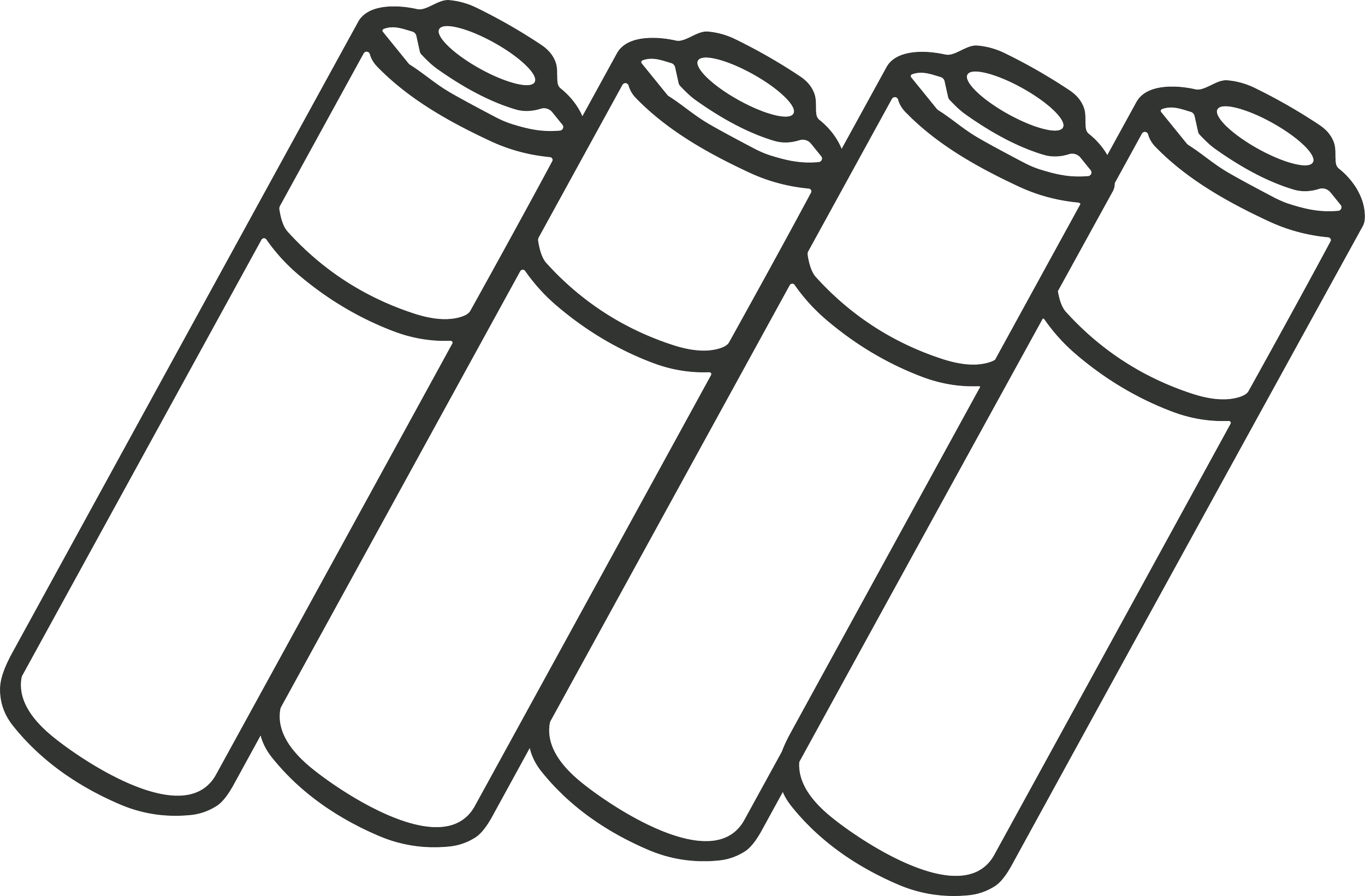
USE NEW, NON-RECHARGEABLE BATTERIES
Rechargeable batteries have lower voltages than traditional alkaline ones. The old, analog electronics in 8MM cameras require the full 1.5V of an alkaline battery.
-

ADJUST YOUR EXPOSURE MANUALLY
8MM cameras can be finicky and auto-exposure involves a lot of moving parts. The light you let in is part of the story you’re telling. Take full control of how your image is lit.
-

USE A LIGHT METER
Handheld light meters are more accurate than in-camera ones. They also provide a fuller picture, showing how much light is hitting every part of the image.
-

MAKE SURE YOUR FILM IS ADVANCING
Draw a dot on your film with a sharpie. Run the camera for a few seconds and make sure the dot has moved.
If it’s stuck, remove your cartridge and tap it against a hard surface to help it settle into place.
-

YOUR FILM WILL TELL YOU WHEN IT'S READY
Once your entire reel has run through the camera, you will see a notch in the film and the word ‘exposed'.’
-
SEND YOUR FILM TO THE LAB IN A BOX
Film shipped in envelopes (even padded ones) has arrived damaged. Don’t risk it–use a box.